Installing the Common Module
Follow these steps to install the Common Module:
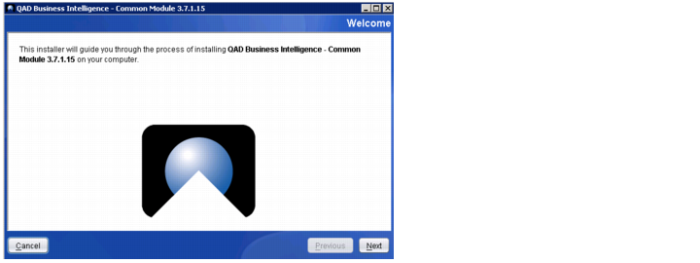
1 Double-click the common.exe file.
2 Click Next.
Installing BI Modules
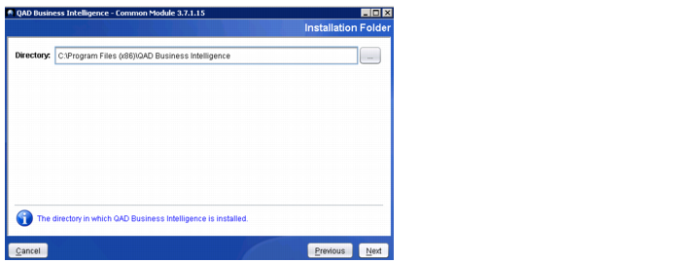
3 Choose the appropriate directory to install the Common Module or accept the default location. Click Next.
Installing BI Modules
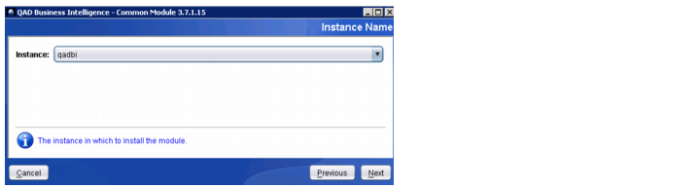
4 Choose the database instance or accept the default. Click Next.
Installing BI Modules
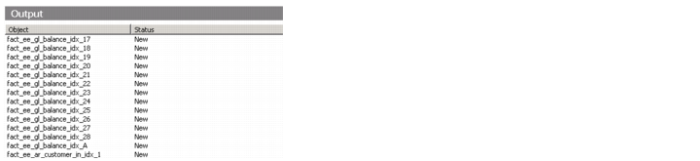
5 The installer starts.
Note: The installation takes a while to load. If the screen says Not Responding, do not close it. Wait until it finishes loading the Common module components.
Installing BI Modules
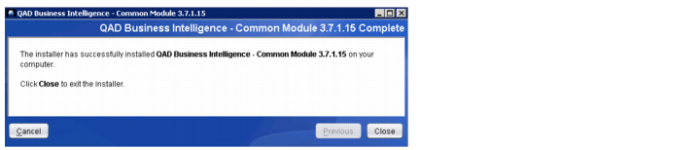
6 Once the installation is complete, a message appears indicating that the installation was successful. Click Close to exit.
Installing BI Modules