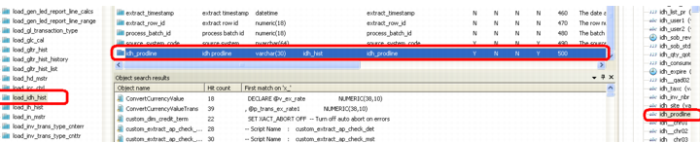
Get Column from Data Source
1 Open a connection to the Progress database in the source pane and find your source table.
2 Double-click that source table so that all columns appear.
3 Find the new column that currently is not being utilized and drag it into the Target Pane to the bottom of the column list so that it is the last column in the table.