Connect
1 Connect to the Data Warehouse in the Source pane and find the appropriate source table.
2 Double-click the table and find the column to be added.
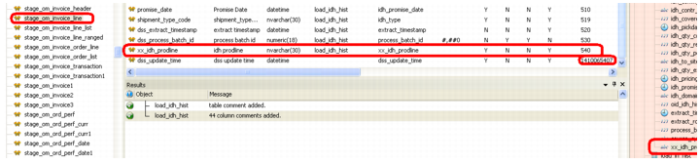
3 Click the column and drag it to the Target pane at the end of the column list.
Note: The DWD did not place the column at the very end of the column list. It is easier to edit the last column (dss_update_time) and change the column order date for it to 535 so that xx_idh_prodline is last.