Create(Recreate) the Staging Table
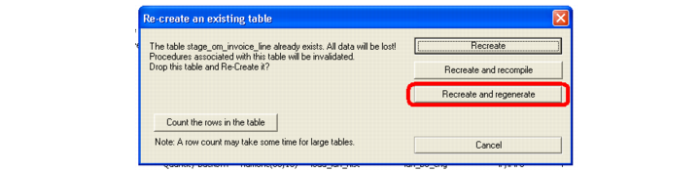
5 With the new column in place, Create(Recreate) the staging table. In the Browser pane, right-click on the table name and select the Create(Recreate) option.
6 When the window pops up, click Recreate and Regenerate.
Note: This only works as long as the existing procedure is not *Modified*. Otherwise manual changes to the procedure need to be made.