Identify and Set the Columns
5 Identify the components of the primary key that this table uses to later connect with a dim or fact.
6 Delete all columns except those columns, the new custom column, and any critical date columns at the end of the list.
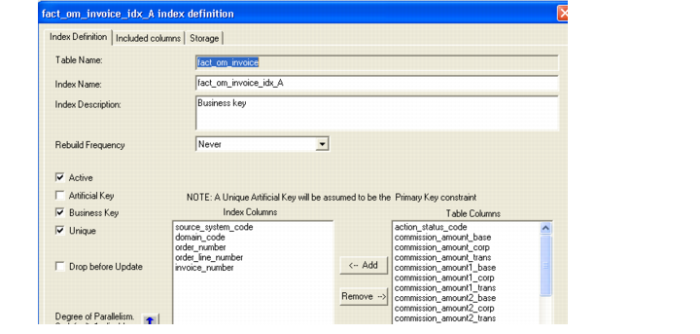
7 To identify the primary key components, go to the destination table to be mimicked and Display Indexes.
8 Pick the Business key index from the list.
9 The result should be a table with only a handful of columns.
10 Create (Recreate) the table. In the Browser pane, right-click on the table name and choose Create(Recreate).