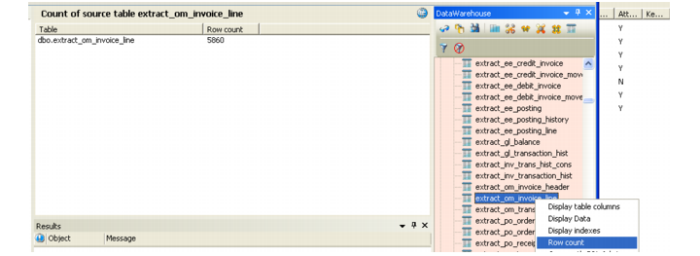
Confirm Results
21 Confirm that the number of records matches the correlating original table.
23 If this is a multi-source system and the results here do not match and, right-click on the original table in the browser and Execute Update Procedure for that as well. Compare the results again. If they match, move on to building the next table.
If they do not match, extract the original procedure query and the parallel procedure query. Start working through them in SQL to see what part of the FROM/WHERE clause is causing the results to differ. This can be due to lack of an OUTER JOIN or the use of an OUTER JOIN or some other table that was not built into the parallel query.