Enter Parameters
Parameter Bar
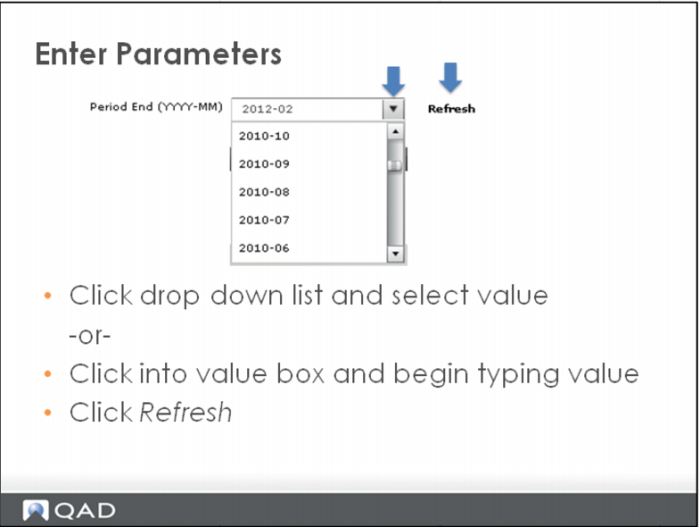
Parameter bars, or drop-down options, list various parameters. They allow you to set the subject or parameters that the visual items on that Dashboard display. They can be located anywhere on a dashboard. Click the drop down arrow in the parameter bar to view a list of the available options. You can move your cursor down the list to select the value desired.
An alternate method to enter information in a parameter selection box is to click into the value field and begin typing inside the parameter value bar to find items in the selection list that begin with the characters you have input.
Click Refresh to view changes.