Dashboard – Visual Item Controls
Visual Items
The BI Portal Dashboard consists of various visual items that display information in a number of formats.
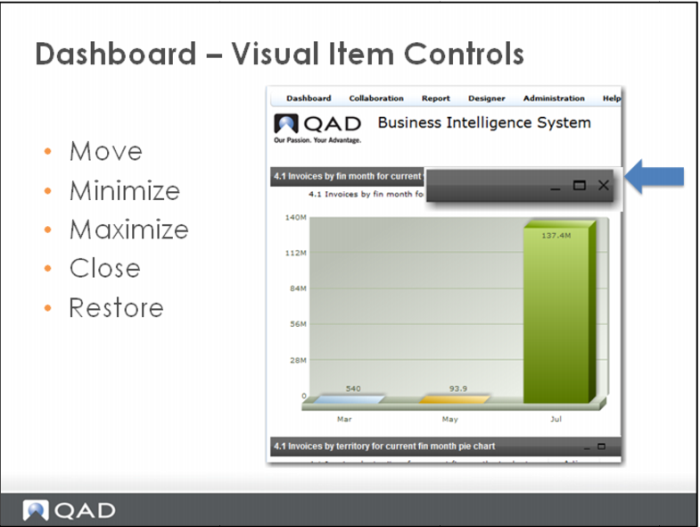
Some of these visual items can be moved, minimized, maximized, closed, and restored.
Click, drag and drop to move an item. Use the control buttons at the top left of the item to minimize or close the item.
The actions that can be taken are defined by the dashboard designer.
Note : When a visual item is minimized, the title bar for that item will appear at the bottom of the dashboard. Click the object’s title bar to restore the item.
When a visual item is closed on the dashboard, it will only be removed from that session. The item will return in the default area the next time you access the dashboard.