Dashboard – Visual Item – Drill Down
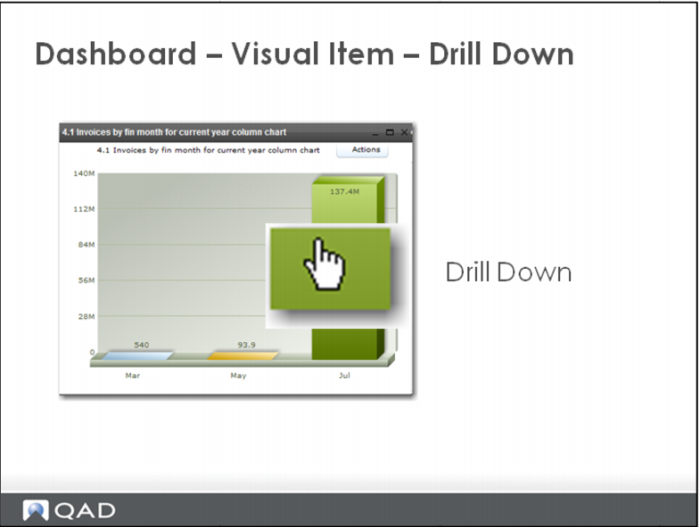
If items on a chart allow for drilling, the cursor changes to indicate a drill is possible.
Drilling into an item brings you to a new visual item or a report.
Return to the chart using the back arrow button green at the top of the image frame. An alternate method of returning to a previous visual item is to use the bread crumb feature. These are accessed via a drop down (down arrow next to the green back arrow).