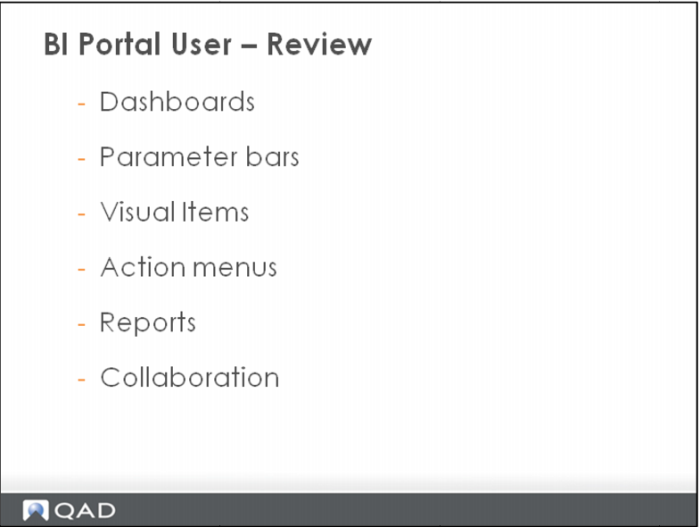
BI Portal User – Review
The BI Portal Dashboard is the front page view for the data warehouse analysis. The user sees information in quick, easily analyzed formats for better decision making.
Parameter bars, or drop-down options, list various parameters. They allow you to set the subject or parameters that the visual items on that Dashboard display.
The BI Portal Dashboard consists of various visual items that display information in a number of formats.
Some of these visual items can be moved, minimized, maximized, closed, and restored.
You can export an image of any visual item.
Some visual items have Action drop-down options, click Actions to view a list of options.
Reports within the BI Portal may be executed from 3 places:
• Report Listing on Dashboard
• As a drill down from within a visual item
• From the Dashboard menu
You can export the report in PDF or Excel.
The 3 building blocks of BI Collaboration are:
• Forums
• Topics
• Comments
When collaborating on a dashboard or visual item, a copy of the current image can be stored with the topic or comment.