Query Toolbar
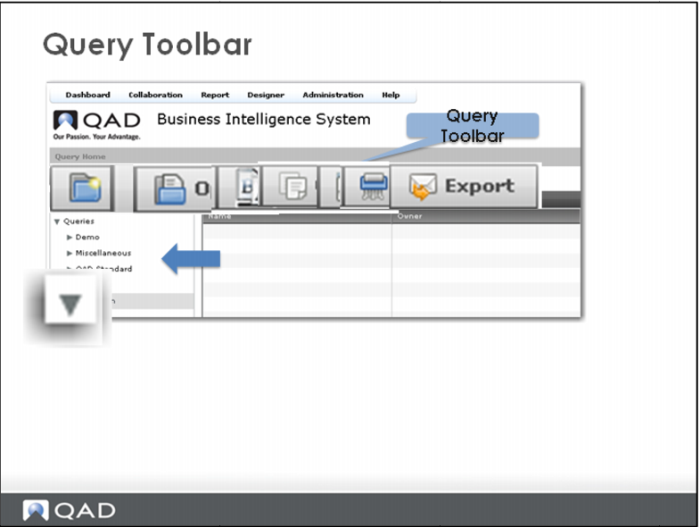
From the query toolbar you can:
• Create a new folder
• Create a new query
• Open, rename, copy, move, delete or export an existing query
To expand a folder in the browser pane on the left, click the twistie.
Hint: Sometimes while you are working in the designer, especially after the first save of a Portal object (Query, Report, Visual Item or Dashboard), you will not immediately see the object you just added. Simply click the twistie to close the listing, then click the twistie again to re-expand the listing.