Create Queries – Select Items
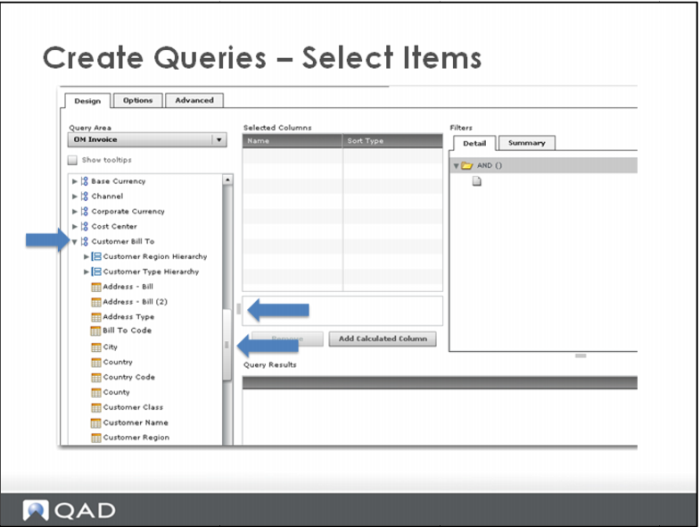
Use the drag bar to view additional items on the list.
Change the width of the pane, using the 3-bar icon.
Select columns by dragging and dropping columns from the left to the Selected Columns window in the middle.
This example is Bill To Code and Customer Name. Both columns are Dimensions.