Create Queries – Sort Type
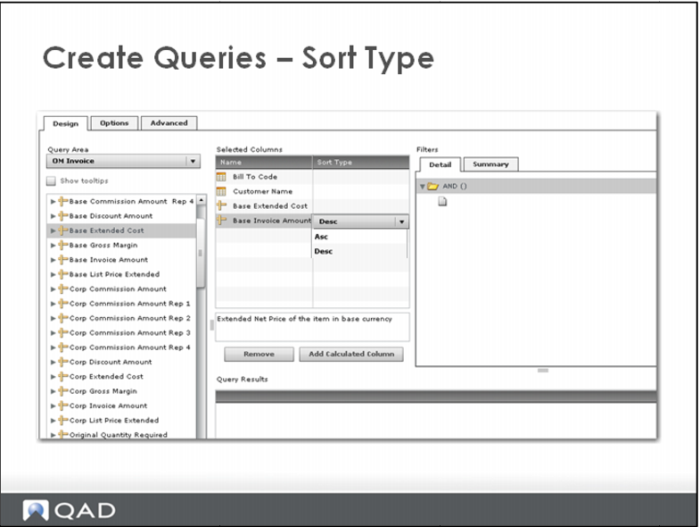
To indicate that the results of the query should be sorted, indicate one or more sort columns.
Click the sort type column to the right of the column name. Our requirements call for a sort on Base Invoice Amount. When the drop down list appears, we selected Descending.
To remove the sort type, click the sort type column and select <blank> from the drop down list.