Create Queries – Query Results
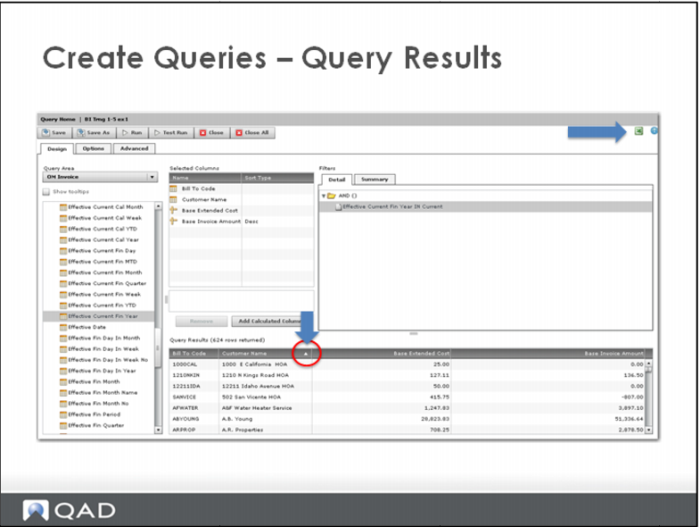
The Query Results pane is interactive.
Click the column heading to sort by that column (ascending and descending).
Adjust column widths by hovering over the column heading border until the move icon appears. Then drag the column border as needed.
The entire output pane can be dragged using the 3-line icon.