Portal Designer – Visual Items and Dashboards
>
Link Visual Items
>
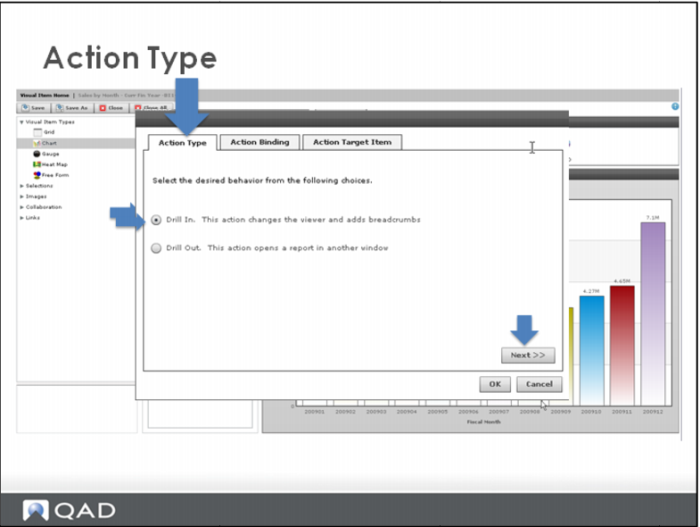
Action Type
PPT
Action Type
To add link from one visual item to another.
Open the “From” visual item.
Navigate to the
Action Type
Drill In
–
Action changes viewer and adds breadcrumbs.
Drill out
– Action opens report in another window.