Logging in to QAD DWD
Data Warehouse Repository includes both the Data IN the Data Warehouse and the Metadata.
Metadata is the information that describes the data. That is, the data about the Data.
The Repository is a SQL Server database and Is accessed via an ODBC connection.
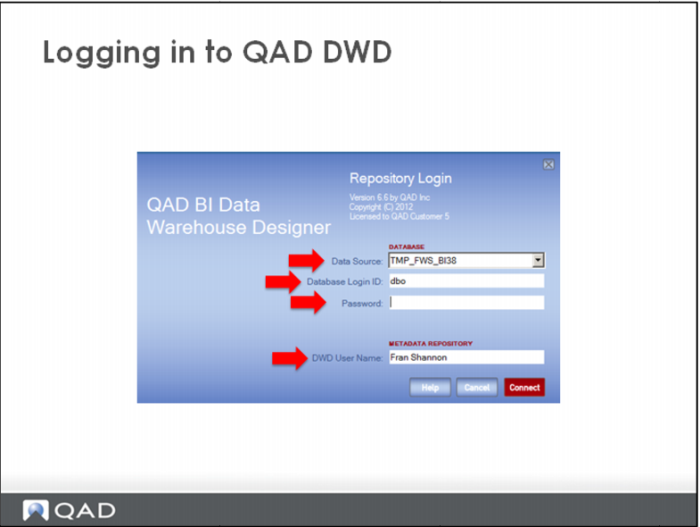
To login to the DWD:
Select the Data Source or ODBC connection to your Data Warehouse from the drop down list. If the environment includes multiple data warehouses, this field will default to the last data warehouse you accessed using the DWD. Enter a valid Database Login ID and password.
The Full User Name is the name that will be associated to any procedures, tables, etc. and scheduled jobs that are created from within the DWD. Normally, you should enter your first and last name.