Scheduler Toolbars and Menus
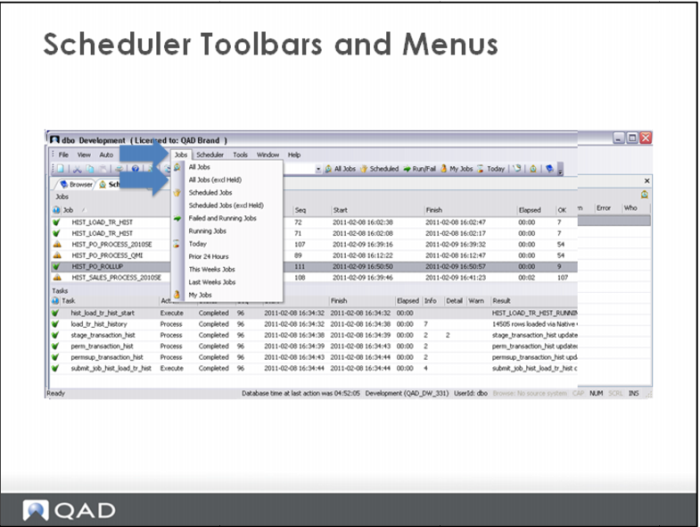
The Scheduler toolbar includes a drop down menu to run various views of the jobs.
Similar functionality is available vie buttons on the toolbar. The user can enter a search string, along with wildcards in the box on the toolbar, prior to running one of the options.
For example, to see all jobs with “start” in the name, the user would enter “%start%” in the search window.