Scheduler States - JOBS
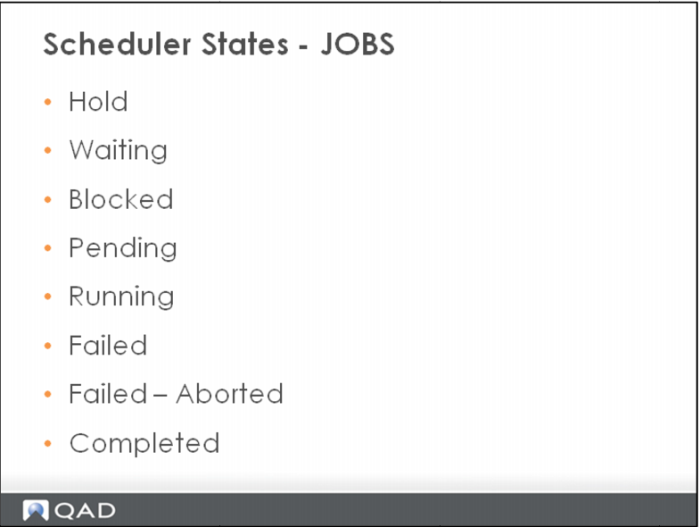
Hold – Job is on hold. It can be edited and its state changed in order to release the job.
Waiting – Job is waiting to start, or waiting for it’s scheduled time to arrive, or waiting for a scheduler agent to become available.
Blocked – Job is blocked because another instance of the same job is running. When the currently running job completes. This instance of the job will start.
Pending - This is the first stage of a running job. The scheduler has identified the job as ready to start and allocated a thread, or sub task to process the job. A job is in this state until the thread or sub task begins processing. If a job stays in this state, then the scheduler thread has failed for some reason. The logs can be check on which the scheduler is running.
Running – The jobs is currently running. Double click on the job name in the right hand pane to drill down into specific tasks.
Failed – A failed job is one that had a problem. It can be restarted from the point of failure and is considered to be running unless subsequently aborted.
Failed – Aborted – The job has been aborted after having failed. Once in this state, a job cannot be restarted. The job exists only as a log of what occurred and essentially is now not regarded as a job.
Completed – The job has successfully completed, possibly with warnings. Once in this state a job cannot be restarted. The job exists then only as a log of what occurred and essentially is now not regarded as a job.