Job Diagram
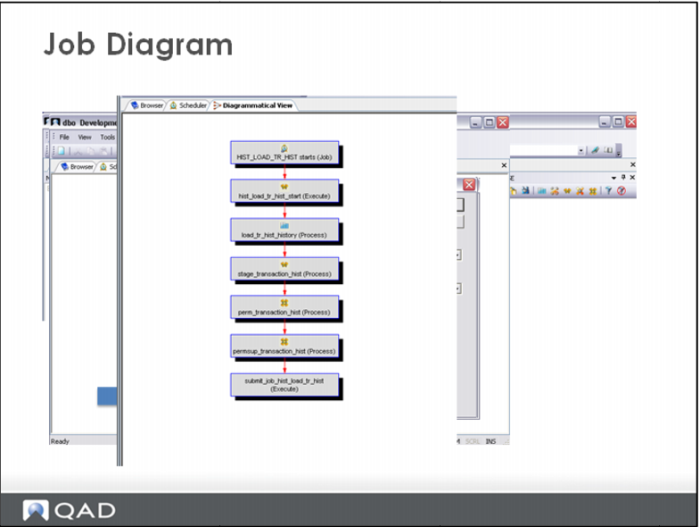
From the main Data Warehouse Designer Browser window, elect Diagrammatical View.
When the Diagram window appears, select the Diagram button again. When the Diagram Selection window appears, one of the options is Select a Job to show dependencies Select the job from the drop down list and click OK.
A Dependency diagram will be displayed.