History Toolbar
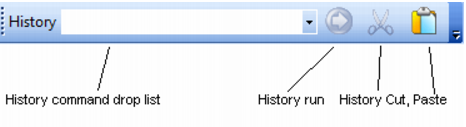
The history toolbar allows the selection and execution of commands that have been previously executed.
The history command drop down list box provides a list of all the successful commands that have been executed from the edit window. It does not include failed commands, or commands executed from the menus or the table pane. The history run button will run the command currently displayed in the history drop list. The history cut button will place the command shown in the history drop list into the paste buffer. The history paste button will load the contents of the paste buffer into the history drop list.