Toolbar
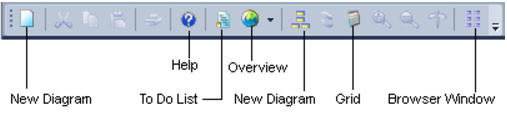
The diagrammatic toolbar is shown below:
The new diagram buttons provide a dialog to allow the selection of the diagram type and table. The overview button provides a diagram showing the various objects in the QAD metadata and the standard flow of data through these objects. Repeated clicking of the overview button will step through each stage of the data flow. The toggle button switches between display only diagrams and a printable variant. When the printable variation of a diagram is displayed the grid button will toggle the display of grid lines. The builder button switches back to the main builder window.
Procedure Editor window
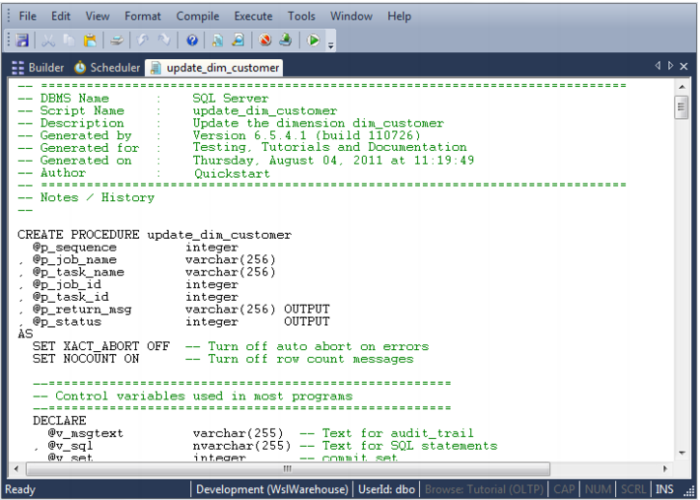
The procedure editor window provides a means of viewing, editing, compiling, comparing and running procedures. Multiple such windows can be open at any one time, each processing a different procedure. An example of the procedure editor window is as follows:
Comments (identified by a leading double dash -- ) are displayed in green in this window and the procedural code in black. The font by default is a fixed pitch font to make the indentation and alignment of code easier to view. The font, colors and indent size can all be changed if desired.
See the
Procedures and Scripts (on page
587) chapter for more information on the procedure editor.