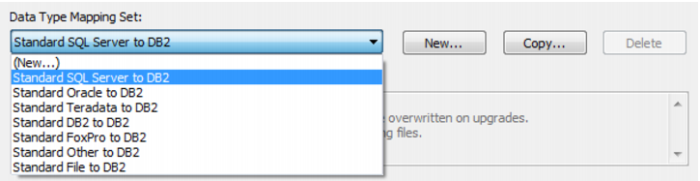
Data Type Mapping Set
Select a data type mapping set from the drop-down list. Of the standard files, only the files relevant to the database that you are on will be displayed in the list:
There are 3 buttons to the right of this field:
1 The New button allows you to create an empty data type mapping set. You can then manually enter the data type mappings into the table.
2 The Copy button allows you to create a new data type mapping set by copying an existing mapping set.
3 The Delete button allows you to delete any user defined data type mapping set.