Create and Load
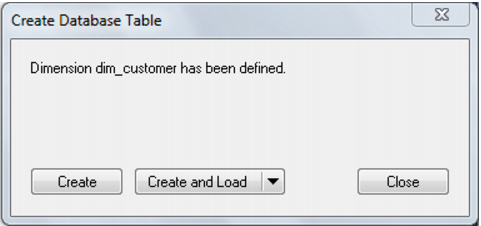
The following dialog appears after the properties page and asks if you want to create the dimension table in the database and execute the update procedure.
If you are satisfied with the columns that will be used and do not wish to add additional columns you can select the Create and Load button. In such an event it would be normal practice to select the (Build Procedure...) option from the 'Update Procedure' drop down box in the previous properties page. If no procedure has been selected then select the Create button as no update will occur in any event.
If
Create or
Create and Load is selected and a new procedure creation was chosen proceed directly to the
Generating the Dimension Update Procedure (on page
293) section.
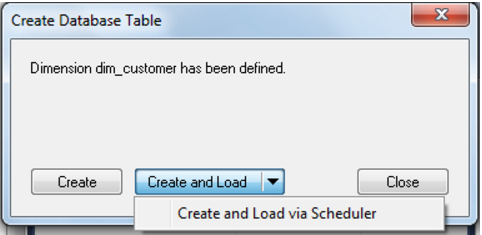
Note: It is possible to create and load the table via the Scheduler; by selecting this option from the drop down list on the Create and Load button:
If you have additional columns to add or columns to delete then select Finish and proceed as follows.