Generating a Procedure
To generate a procedure use the right mouse menu when positioned on the dimension name to edit the properties for the dimension. From the 'Update Procedure' drop down list select (Build Procedure...). Click OK to update the properties and start the process of generating the new procedure.
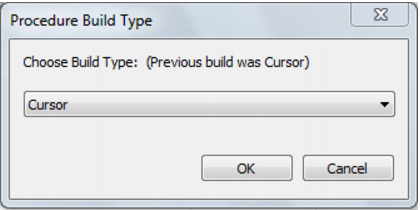
A Procedure Build Type dialog will appear, requesting you to choose between Cursor and Set.
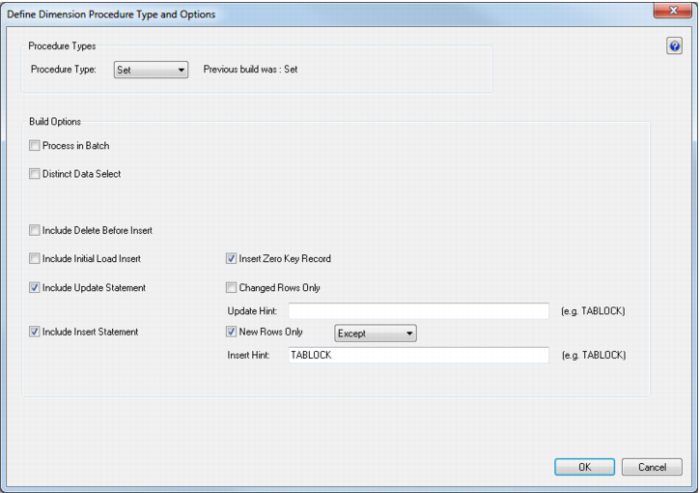
If Set is chosen then another dialog will appear, allowing you to select the relevant build options.
A series of questions will be asked during the procedure generation based on the type of load information. If only one source table was used then proceed directly to the 'Business Key' section and skip the subsequent sections on Joining and Lookups.