Parameters variables
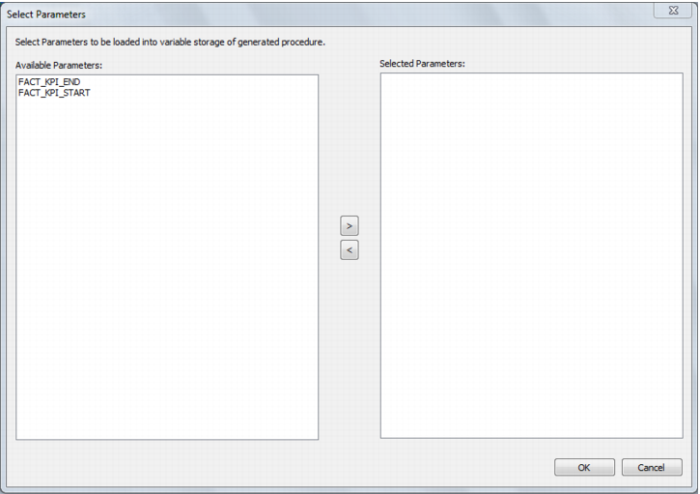
If QAD Data Warehouse Designer parameters exist in the metadata, the following dialog is displayed. Any parameters selected in this dialog (by moving them to the left hand side), are included in the generated update procedure as variables. The procedure will include code to retrieve the value of the parameter at run time and store it in the declared variable.
The variables can also be used in column transformations and in the from/where clause for the update procedure. Some databases have a 30 character limit for variable names. QAD Data Warehouse Designer ensures the variables added for any parameters are less than 30 characters long by creating variable names in the form v_ followed by the first 28 characters of the parameter name.
For example, a parameter called MINIMUM_ORDER_NUMBER_SINCE_LAST_SOURCE_LOAD will be available as the variable v_MINIMUM_ORDER_NUMBER_SINCE_L.
 TIP
TIP: QAD Data Warehouse Designer parameters should be unique within the first 28 characters to avoid conflicting variables names.
See Parameters for more information on QAD Data Warehouse Designer Parameters