Drag and Drop
Create a normalized table target by double clicking on the 'Normalized' group in the left pane. The middle pane will display a list of all existing normalized tables in the current project. When such a list is displayed in the middle pane, the pane is identified as a target for new normalized tables.
Browse to the Data Warehouse via the Browse/Source Data menu option. Drag the load or stage table, that contains the bulk of the normalized table columns, into the middle pane. Drop the table anywhere in the pane.
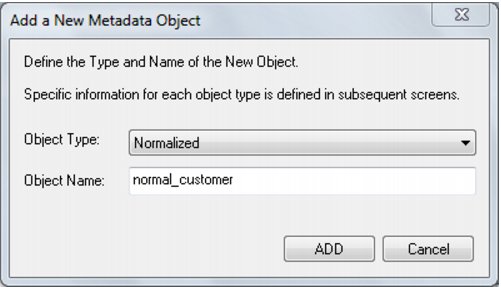
The new object dialog box will appear and will identify the new object as a Normalized table and will provide a default name based on the load or stage table name. Either accept this name or enter the name of the normalized table and click ADD to proceed: