Process in batch
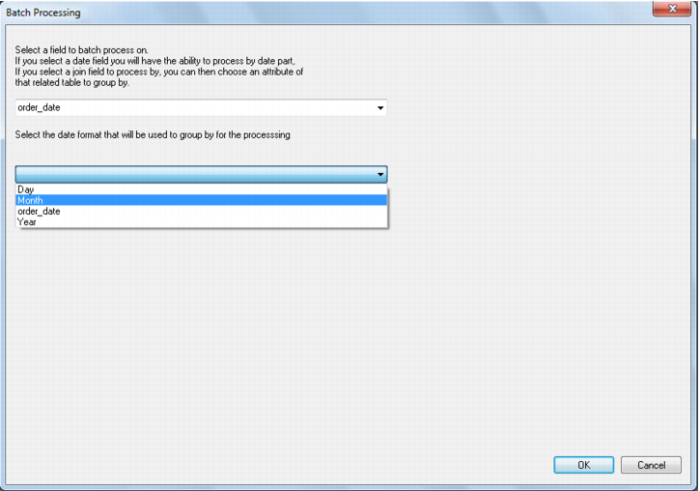
The process in batch check box allows the user to select a column to use to break up the data being processed in a loop based on the distinct values in the column. The update procedure loops on this column and performs the delete, update and/or insert for each value. If the column chosen is a date datatype (date, datetime or timestamp), then the user is able to specify yearly, monthly, daily or column level looping. The default for this field is off (do not do batch processing).
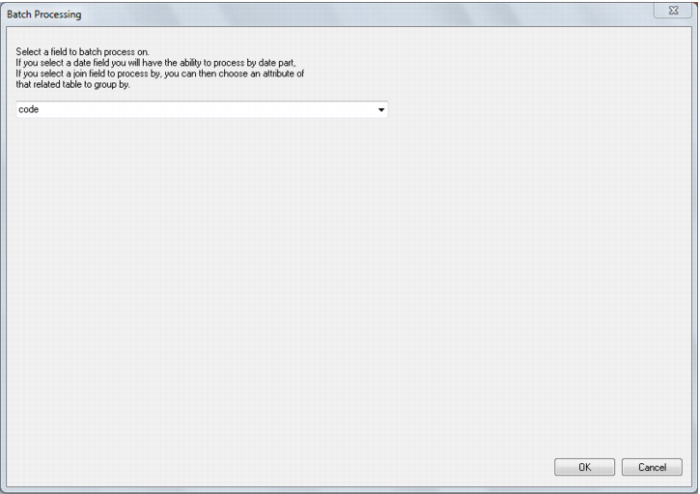
The following dialog is the default for a non-date column:
The following dialog is displayed for date fields: