Converting an existing Normalized Table to a Normalized History Table
To convert a normalized table to a normalized history table, change the table type to History, choose (Build Procedure...) from the Update Procedure drop down list and click OK.
If the existing Normalized table is NOT to be dropped and recreated, then the following process should be followed:
1 Click OK on the Procedure Type dialog.
2 Click OK on the Business Key dialog.
3 Click Alter on the Adding Additional Columns dialog.
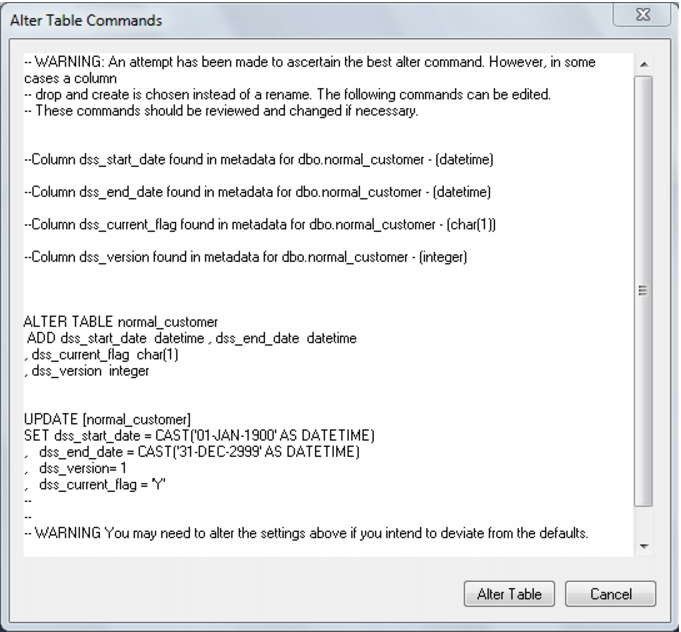
4 Click Alter Table on the Alter Table Commands dialog:
Note: The SQL in this dialog can be edited if required.
5 Click OK on all remaining dialogs.