Oracle Windows Restore
Select the menu option Backup/Restore Metadata (from Oracle Export) to begin the restore process.
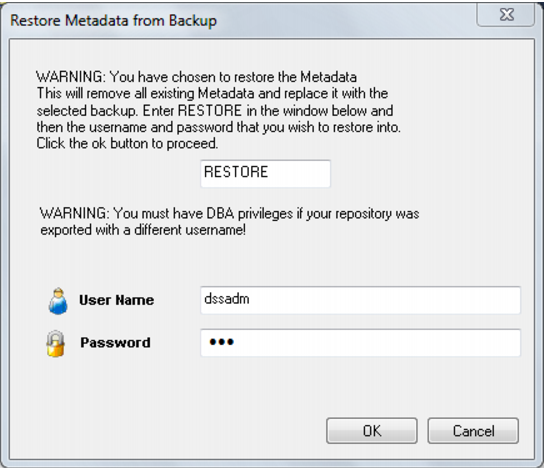
A dialog box will appear. The word RESTORE needs to be entered along with the username and password where the metadata is to be restored to. The username does not have to be that of the current metadata repository, but it must be a valid repository. If a restore is being performed to a repository that differs from that of the backup then the 'imp_full_database' database privilege may be required.
Once the OK button is clicked a new dialog box will appear asking for a selection of the export file. Browse to the directory where the export is located and select the export file. Once the export file is selected the import will begin. A dialog box will appear to show the results of the import.