Performing an Unload
An unload can be performed within the QAD Data Warehouse Designer tool by selecting the Backup/Unload the metadata to disk menu option.
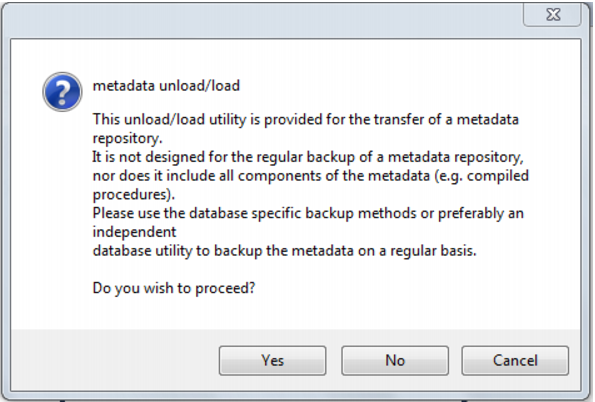
A popup window asks for confirmation to proceed with the unload. Click Yes.
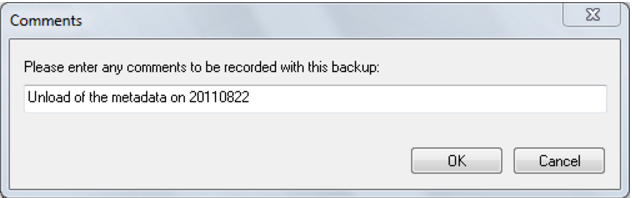
An additional pop-up window asks for a file name for the export. A directory should be chosen and a name entered. When the save button is clicked, enter a comment for the unload and click OK.
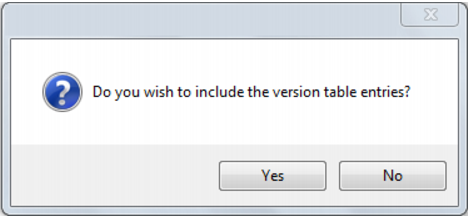
Finally, click Yes or No on the include version history dialog:
This either includes or excludes version history metadata in the unload.
The unload starts, and indicates progress with a progress bar.
Loading an Unload
QAD Data Warehouse Designer metadata can be restored from a prior unload.