Performing a Load
An unload of a metadata repository can be loaded over the top of an existing repository. This action replaces the existing repository in its entirety. To load an unload, select the menu option Backup/Load the Metadata from disk to begin the load process.
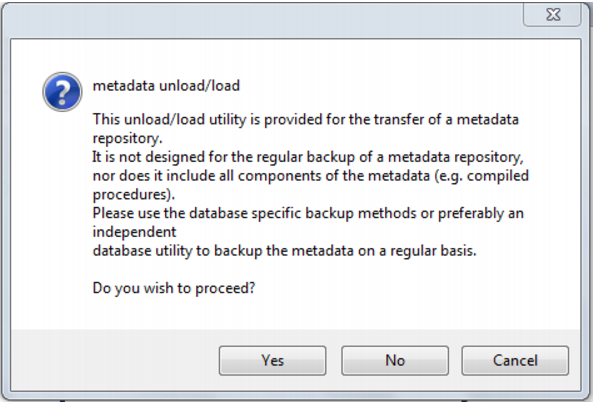
A popup window asked for confirmation a load is intended. Click Yes.
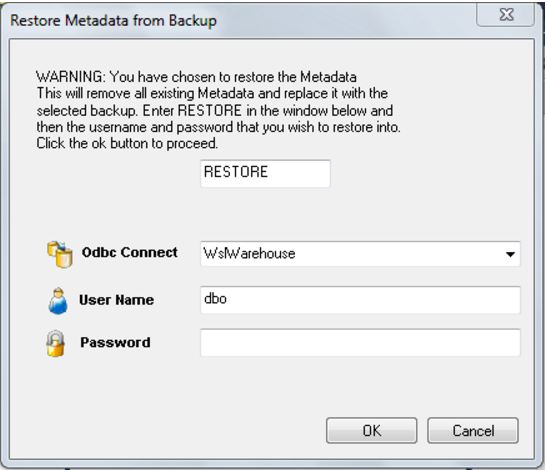
A dialog box appears. The word RESTORE needs to be entered. The odbc connection needs to be chosen, along with the username and password where the metadata is to be restored to. The username does not have to be that of the current metadata repository, but it must be a valid repository.
Note: The dialog box above will include an additional field for Schema if loading into DB2.
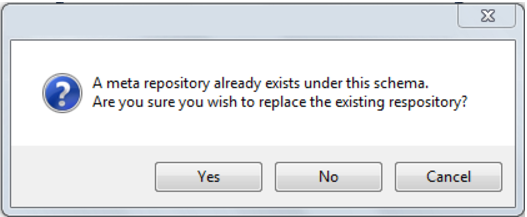
Once the OK button is clicked, a new dialog box will appear asking for a selection of the unload directory. Browse to the contents of the directory where the unload is located and click Open. Again, confirm the load will overwrite the existing repository by clicking Yes:
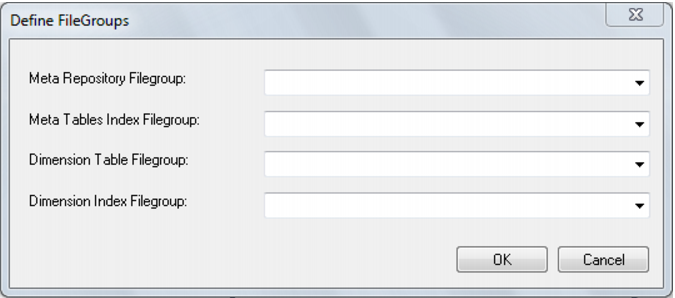
Confirm the metadata and dimension tablespaces/filegroups for the metadata load and click OK:
Note: The dialog above was displayed when loading into SQL Server. It may differ slightly if loading into Oracle or DB2.
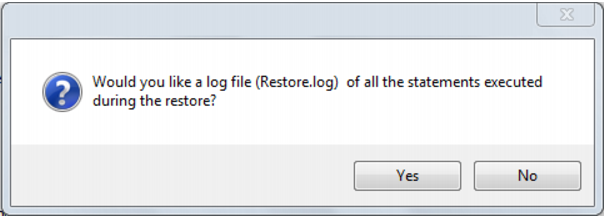
A pop-up window asks if a restore log is required. Click Yes for a log, or No otherwise.
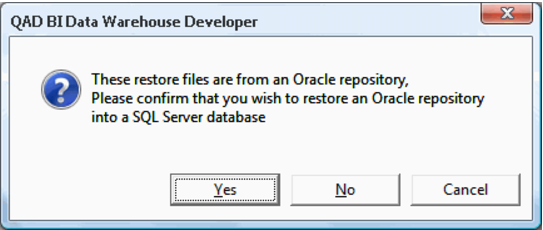
If a cross platform load is being performed, the following dialog is displayed. Click Yes.
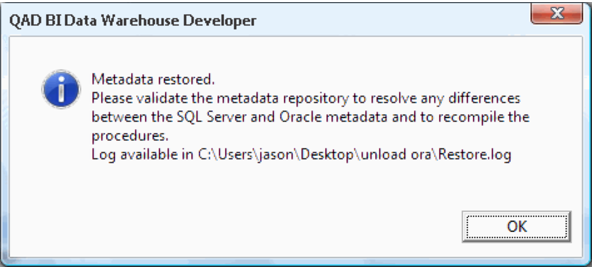
The metadata load now runs. Once the load has completed, a dialog is displayed:
Start the QAD Administrator and validate the metadata repository that has just been loaded.