Attaching Users and Permission Groups
Who Can Access? Tab
A menu can be assigned to a menu or a permission group.
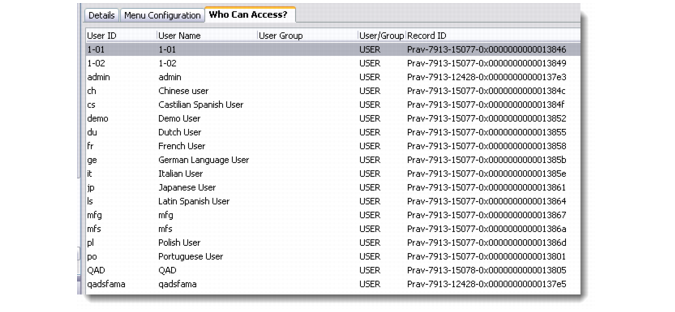
Use the Who Can Access? tab to associate users and permission groups with the menu. This tab displays the users and permission groups currently attached to the menu. Right-click the browser to access commands for maintaining associations between menus and users/permission groups.
To create a permission group, right-click the Select Permission Group look-up box and choose Add.
Note: A user can be assigned a menu and belong to a permission group that is assigned a different menu. In this case, the user has access to at least two menus. When the user logs in, the logon screen displays all the menus associated with the user, allowing the user to decide which menu to use during the session.