Translation Manager
The Translation Manager helps in the translation of strings from one source language into more than one target language.
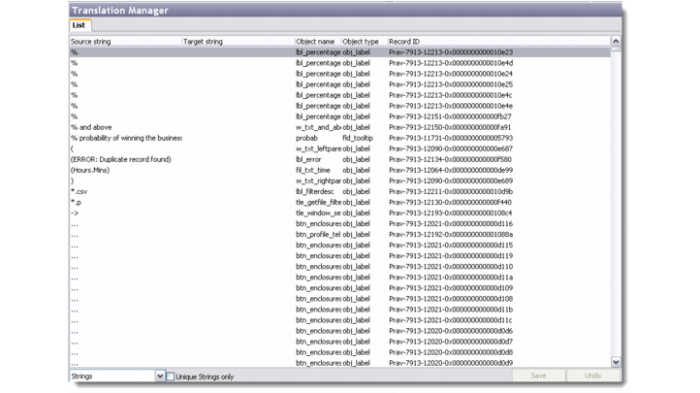
The Translation Manager browser displays the list of translatable strings and messages being used by QAD CRM. You can edit these strings and messages, export them to Excel files for translation, and import the translated strings back into the system through this screen.
Translation Manager
The List tab includes a drop-down list at the bottom left where you can choose whether you want to view strings or messages. If you select the Unique Strings Only check box, the system displays only those strings that have a unique combination of Object Name and Source String fields. There is also a drop-down list in the toolbar that displays all the target languages in the system. You can choose to translate the source strings or messages to any of these languages. Select a record, right-click and choose Edit to modify the target string or message.
Note: The system must have at least two languages set up for the Translation Manager to translate the messages or strings. If only a single language is available in the system, then the Translation Manager browser displays a blank screen. There is no second language to which the available messages or strings can be translated.