Customer Relationship Management 6.7
>
Administration Guide
>
Reports and Queries
>
Report Writer
Report Writer
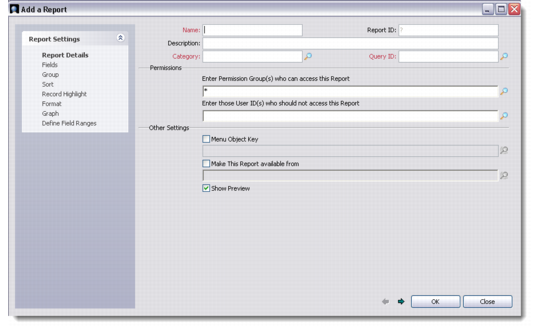
You can generate various custom or user-defined reports through the Reports module using the Report Writer, also called the Add a Report wizard.
To open the Add a Report wizard, right-click the Reports screen and choose Add Report using QAD SFA/MA Report Writer. The Report Writer lets you design report formats and categorize them as required. These formats define the conditions, tables, and fields to use to extract data for browser reports using queries created through the Query Builder.
Report Writer-Report Details
For more details on using the Report Writer, see QAD Customer Relationship Management User Guide.