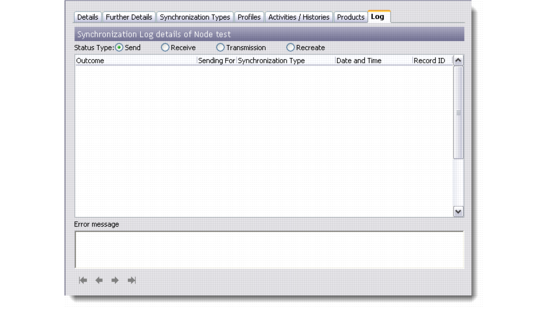
Viewing Synchronization Log
To view the synchronization log of the remote, regional, or host node:
1 Choose Main Menu|Remote Sales Data Synchronization|Remote Node Setup.
2 Right-click the node and choose Edit.
3 Click the Log tab.
4 Select the status type and view the log.
Viewing Log