Settings and Switches
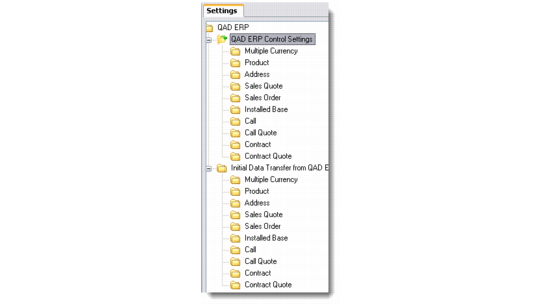
The Settings and Switches option lets you define and maintain the control settings for particular modules that you want to include in the integration with QAD Enterprise Applications. To access this option, go to Main Menu|QAD ERP Integration|Settings and Switches|QAD ERP|QAD ERP Control Settings. This displays the list of functions and modules for which you can maintain and configure settings. Switches let you specify the direction in which the information is transferred—from QAD Enterprise Applications to QAD CRM or vice versa.
Settings and Switches - QAD ERP Control Settings