Creating Data Subsets for Remote Nodes
Before creating data subsets, ensure that you have specified the criteria for choosing the data that nodes can synchronize. This data is extracted from the host node to create the data subset.
To extract a host data subset for a regional or remote node:
1 Log on to QAD CRM with administrator privileges. The current node must be the host node.
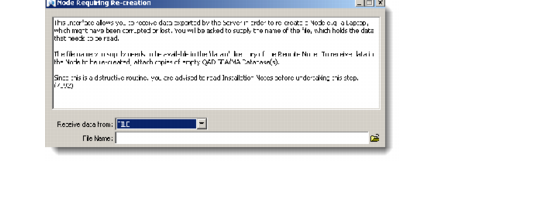
2 Choose Main Menu|Remote Sales Data Synchronization|Extract Data to Recreate a Node. The Node Requiring Re-creation dialog box displays.
Node Requiring Re-Creation
3 In the Node ID field, enter the regional or remote node for which you want to create the data subset.
The file name specified while creating the node displays in the File Name field.
4 To change the file name of the host node data subset, change the name in the File Name field.
5 Click OK.
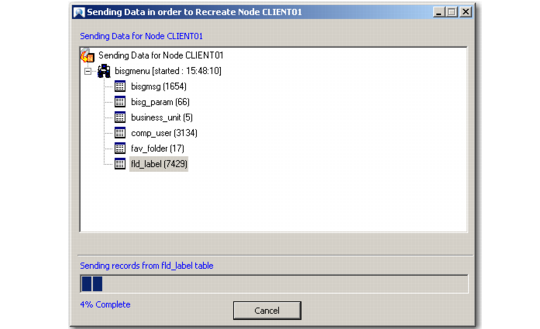
The system starts extracting data from the host node and adding it to the data subset file. The data subset file in the .res format is stored in QADCRMInstallDir\prod\dataout.
After the data subset creation, the Creation Process Summary message displays. Click the information icon to view details.
A
Creating Host Data Subset for a Node
After the data subset creation, the Creation Process Summary message displays.
Replication Process Summary Screen
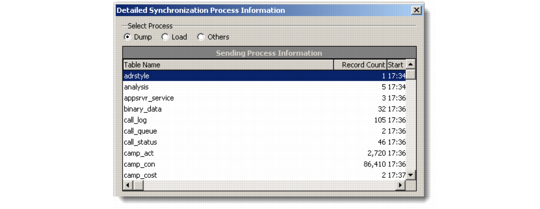
6 Click the information icon on the Replication Process Summary dialog to view the details.
Detailed Synchronization Process Information