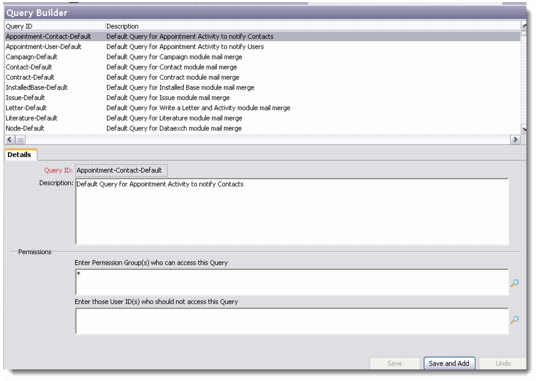
Query Builder Maintenance
Using the Query Builder, you can:
• Manage query records
• Build queries to extract data from the database
Right-click in the Query Builder browser to add a new query record. You can also edit or delete existing query records.
Query Builder
Details
Query ID
Enter a query ID for the new record. This is a mandatory field.
Description
Enter an appropriate description for the new query record.
Permissions
Define access permissions to the new query record.
Save the record. This opens the Query Builder wizard.