Creating Separate QAD CRM Environment
Prerequisites
For an integration with QAD Enterprise Applications, a corresponding environment should be available for each separate QAD CRM environment you want to set up.
Duplicate Environment Creation Process
Make a copy of the QADCRMInstallDir on your deployment server to a new folder; for example, QADCRMInstallDir_Env.
For example, if you installed the original configuration of QAD CRM on a Deployment server in c:\qadcrm661, you could copy it to a new folder such as c:\qadcrm661_test.
Once you have made a copy of the environment to a new folder, the instructions for setting up your environment remain the same as your original configuration except that wherever you see a tag QADCRMInstallDir, you must replace it with the new folder name you created; that is, C:\qadcrm661_test in this case.
Preparing the QAD Remote Sales Environment on the Deployment Server
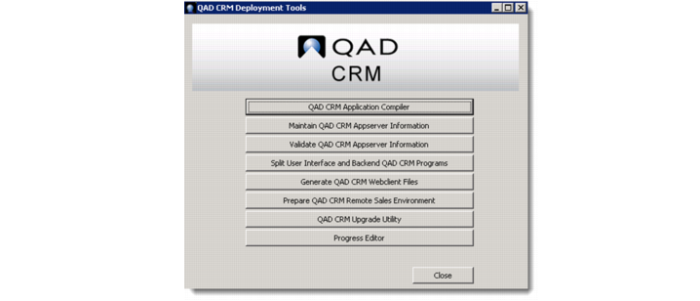
1 On the QAD CRM deployment server, run the QAD CRM Deployment Utility. The following window pops up.
2 Click the Prepare QAD CRM Remote Sales Environment button.
3 A message is displayed. Click Yes to copy required programs.