Logging Out
You can log out of the system by selecting the File|Exit option from the main menu bar. An alternative method to log out of the system is described below.
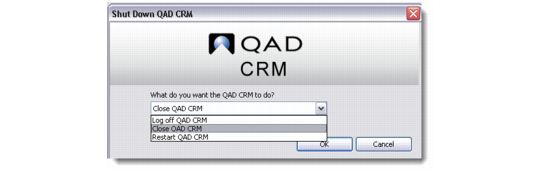
1 Click the Windows Close button on the top-right corner of the system screen. The system shutdown window displays.
2 Select Close, Log off, or Restart from the drop-down.
Note: After you log off, this command changes to Login. This lets you log in as another user without closing the system interface.
Log Off Screen
3 Click OK.