Event Log
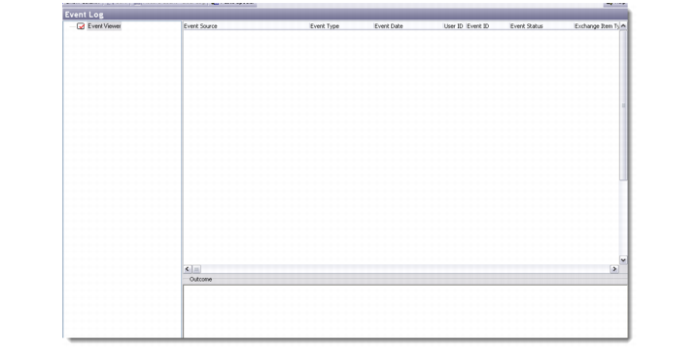
Use the Event Log to view logs of events in the system. An event is created whenever a record is created, updated, or deleted. The event log displays three types of event logs—error, information, and warning—created during event processing.
For example, you can view event log records created when the system sends and receives data from Microsoft Exchange during data synchronization.
1 Choose Event Log in the Tools and Utilities module. The Event Log displays.
Event Log
Right-click the Event Viewer to display sort options for events. Right-click the event browser to access other display or search options.
Event logs cannot be edited as they are a record of the system. Individual event logs can be deleted by choosing Delete from the right-click menu. To purge the event log, choose Clear Log from the right-click menu.
The Outcome area at the bottom of the browser displays the outcome of the selected event and the records created or modified by the event.