Checking Activity Associations
You can check all the associations of an activity using one the following methods:
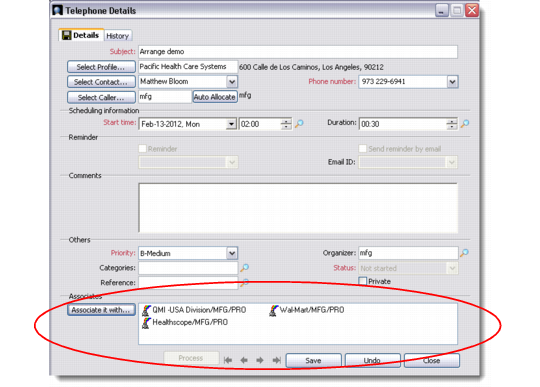
• Select an activity, right-click, and choose Edit. The Activity Details screen displays in Edit mode. Check under the heading Associates to see a list of current associations. You can add more associations by clicking the Associate It With button.
View Activity Associations: Activity Details Screen
• Click on the Associates button in the QAD CRM toolbar to display all associations of a selected activity.