Working with Contacts
The Contact Persons sub-module is specifically designed for managing details of contact persons. Contact persons, or contacts, are people who work for profile organizations, and with whom you communicate to conduct business-related activities. There can be more than one contact person specified for a profile organization. Also, one contact person can be associated with multiple profiles.
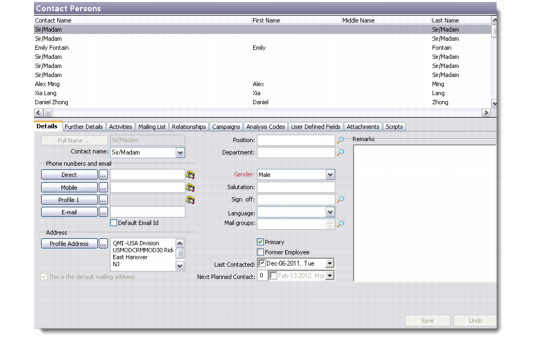
Choose Main Menu|Sales/Marketing Management|Addresses|Contact Persons to open the Contact Persons screen. This screen has two parts—the top half is a browser displaying the list of contact person records in the database, while the bottom half opens the selected record in edit mode.
Contact Persons
There are multiple ways to choose to edit a contact record. Select the record and do one of the following:
• Click the Edit button on the toolbar.
• Right-click and choose Edit.
• Choose Edit from the File menu.
Note: Similar options are available for Delete and Copy.
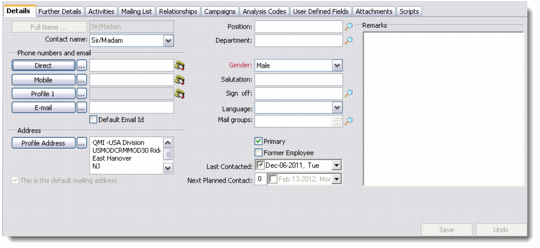
You can also access contact records by clicking the Contact drop-down button on the system toolbar, and selecting the tab you want to view or edit. The Contact Details screen displays with the selected tab open.
Contact Details
To view the list of contact persons whose names start with a specific letter or character, click the appropriate letter or select the character from the drop-down list before the alphabet buttons. To view the list of all contact persons, click the All button after the alphabet buttons.
You can access and edit details of the profile for which a selected contact works from this sub-module directly. To do so, click the Profile button on the toolbar and select the required tab. The Profile Details screen opens to let you view or edit profile details.