Finding Duplicate Profiles
To find the duplicate profiles, do any of the following:
• Click Find Duplicates on the toolbar.
• Right-click the De-Dupe record and choose Find Duplicates.
• Choose Find Duplicates from the File menu.
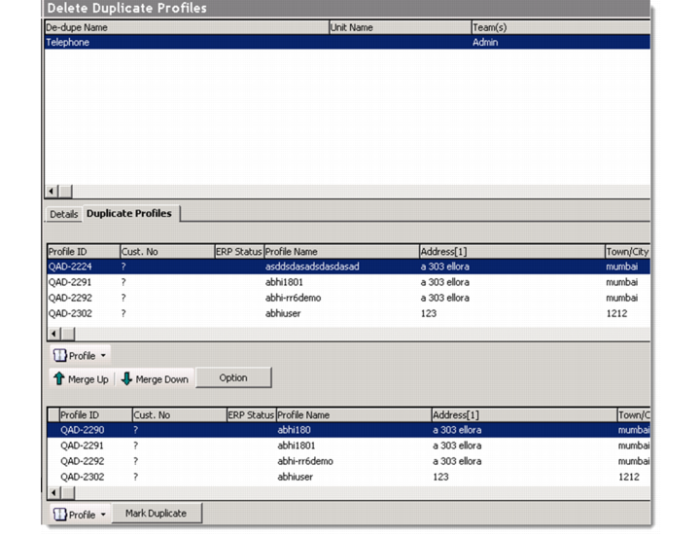
When duplicate records are found, the system displays the number of duplicate records. You can see the duplicates on the Duplicate Profiles tab.
Duplicate Profiles Tab
On the Duplicate Profiles tab, the top browse displays all the primary records that contain potential duplicate data. The bottom browse displays the duplicate data for the record selected in the top browse.
Note: If the record is attached to a QAD ERP record, such as Debtor, Creditor, or End User, the system excludes the profile records during the process of finding duplicates.