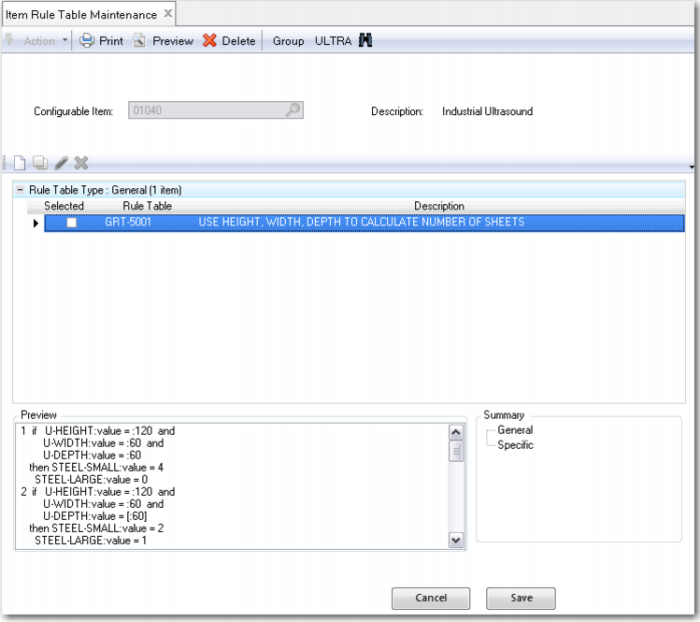
Item Rule Table Maintenance
You can create item-specific rule tables, which can only be maintained for the item for which they were created. An item-specific rule table is either a modified general rule table or a new rule table that is entered only for a particular item.
The Item Rule Table Maintenance window looks like the Item Rule Maintenance window. The available general rule tables are shown in a list and you can link them to the current item by selecting them and clicking the check box. To copy a general rule table, select it and click Copy on the toolbar. You can see a copy shown in the Specific section in the Summary pane.
You can also create an item-specific rule table directly. To do so, you enter the new table in the same way as when you used General Rule Table Maintenance.
Exercise 17: Item Rule Table Maintenance
Run Item Rule Table Maintenance and link the general rule table you created (GRT-5001) to item 50020:
Rule Table | Item to Link the Table to |
GRT-5001 | 50020 |