Additional Subjects
Configurable Item Data Copy
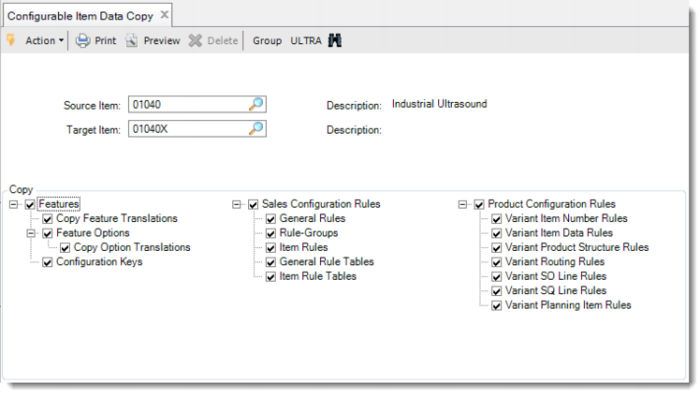
You can use Configurable Item Data Copy to copy the features and rules attached to an existing configurable item to another configurable item in the same group.
Exercise 38: Configurable Item Data Copy
Use Item Master Copy (1.4.12) in the Master Data module and copy item 01040 to item 01040X.
Run Configurable Item Maintenance and define a new configurable 01040X.
Now run Configurable Item Data Copy to copy all the features and rules from 01040 to the new configurable item.
Source Item | Target Item |
01040 | 01040X |
Note: To view the feature translations you are about to copy, you can use Feature Language Browse. To view the feature option translations you are about to copy, you can use Feature Option Language Browse.
Then activate some of the reports or menu programs to check the result of the copy function.
Note: Fields in the source configurable item, such as Configuration Selection, Show Existing Configurations and Cost Set, are not copied to the target item. Use Configurable Item Maintenance to set fields in the target configurable item.