QAD Enterprise Asset Management 2017.1
>
User Guide
>
General Module
>
Codes
Codes
Country Codes
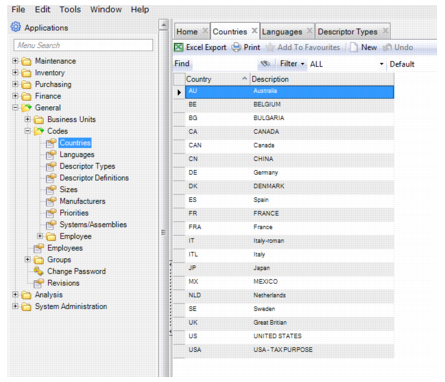
Country codes are used in Purchasing and for all sites. Enter the same codes and descriptions that are in the ERP system.
To add a country code, open the Countries browse located in General|Codes and click New. In the Country field, enter the country code. In the Description field, enter a short description. Press Enter to save.
Country Codes