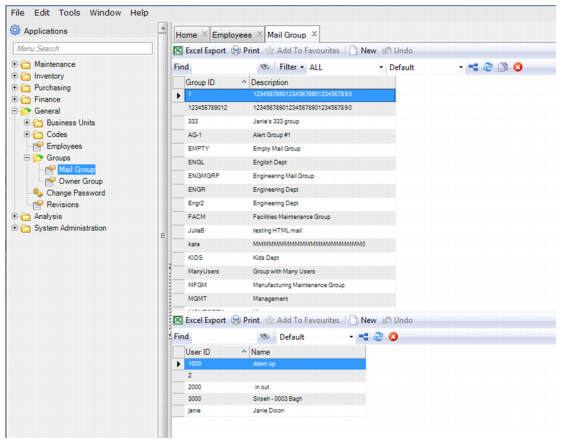
Mail Group
Mail Groups can be selected in the Notify field for equipment and PM template records.
Follow these steps to create a mail group:
1 Open the Mail Groups browse located in General|Groups. In the upper browse, click New.
2 Enter the group name in the Group ID field and a short description in the Description field. Press Enter to save.
3 Add users to the mail group by clicking New in the lower browse.
4 Use the lookup in the User ID field to select the user that you want to add to the mail group. Press Enter to save.
Mail Group