QAD + QAD Warehousing
Did You Know
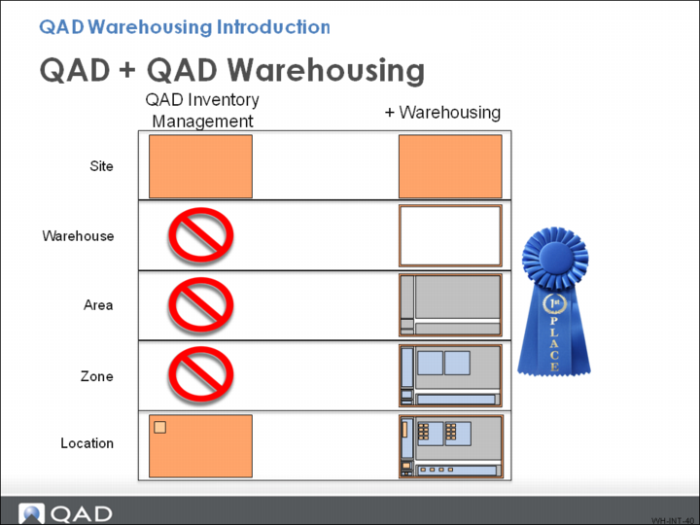
The warehouse is the highest level of specific data in QAD Warehousing.
For locations, QAD Warehousing provides a Warehouse Location Maintenance menu, replacing standard QAD EE Location Maintenance. You can, therefore, set up all your location details within QAD Warehousing. QAD Location Maintenance options are not recognized by QAD Warehousing and are not available for warehouse functions.
Part of the flexibility QAD Warehousing lets you set up as many warehouses as you need within a site, as many areas as you need within a warehouse, as many zones as you need within each area, and just one or as many WLGs as you need for your different working sections.
No rules govern the type of areas you have to set up in a warehouse. Most users define areas such as receipt, inspection, storage, picking, packing, and dispatch; however, none of these are mandatory—you choose the areas you want; then, you choose the routes through these areas that you want your inventory to take.