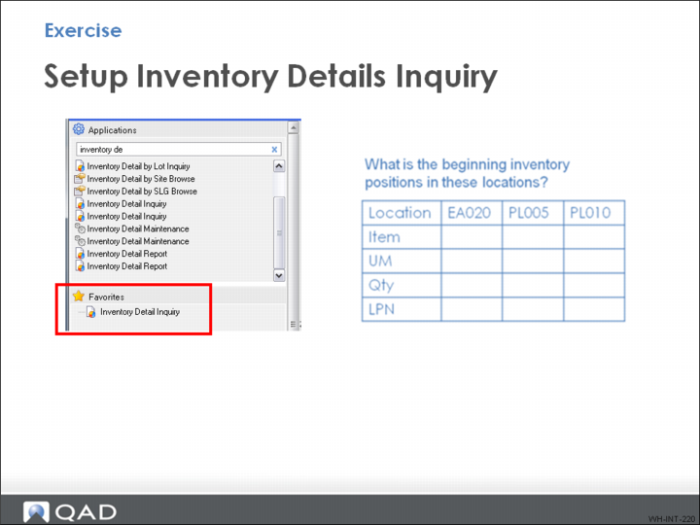
Exercise - Set up Inventory Detail Inquiry
You use Inventory Detail Inquiry frequently to check inventory levels in the warehouse during training exercises.
You can practice setting up Inventory Details Inquiry and enter the data in the table above.
Note: This is not relevant for configuring QAD Warehousing but helps present the inventory flow picture as you test and use the system.
When testing or doing QAD Warehousing exercises, it is helpful to view inventory positions using either a browse, inquiry, or report.
1 In the QMI environment, add Inventory Detail Inquiry or Inventory by Site Browse to Favorites.
2 Fill in the beginning inventory matrix.